












What is the course
Course Overview
This CATIA V5 Foundation training course will teach you about CATIA V5. You will learn how to build simple parts and assemblies in CATIA, and how to make simple drawings of those parts and assemblies.
This course is suitable for the new user, self-taught engineers and users coming from other 3D CAD packages.
What you learn
Learning Objectives
- Create a new PLM object
- Create and constrain 2D sketches
- Complete 3D model using features
- Review and edit features
- Create parameters and formulas in the 3D model
- Create a new product and add components to it
- Move components within a product by positioning them using assembly constraints
- Create simple projection views and section views of 3D parts
- Position the views on a drawing sheet; Add dimensions and annotations to the views
- Finalise the drawing sheet by adding borders and title-blocks
What You'll Learn
Course Agenda
Lesson1: CATIA V5 Foundation Introduction
- In this lesson you will be introduced to CATIA V5.
- You will learn to open a CATIA session and also learn about the key features of CATIA.
Lesson 2: Creating Profiles
- In this lesson, you will learn how to create a simple part.
- You will also learn to create a sketch geometry and constrain it using the geometrical and dimensional constrains.
- Further, you will learn how to create a simple base feature.
Lesson 3: Creating Basic Features
- In this lesson, you will learn how to create simple pads and pockets from a 2D profile or sketch.
- You will also learn how to create different types of holes on existing features.
Lesson 4: Creating Additional Part Features
- In this lesson, you will learn how to create additional CATIA features.
- You will also learn to create revolved features and hollow models.
Lesson 5: Creating Dress-Up Features
- In this lesson, you will learn about drafts and stiffeners.
- You will learn how to create threads and taps.
- You will also learn how to edit features in a part.
Lesson 6: Reusing Data
- In this lesson, you will learn how to create parts by reusing the existing data instead of creating new features.
- You will also learn how to duplicate features by copying and pasting them in a part.
Lesson 7: Finalizing the Design Intent
- In this lesson, you will learn how to finalize the design intent by applying material properties and by creating formulas.
Lesson 8: Working with Assembly Design
- In this lesson, you will learn how to create an assembly of the existing components and fully constrain them.
Lesson 9: Designing in Context
- In this lesson, you will learn how to create contextual parts driven by the skeleton method.
Lesson 10: Creating Drawings (ISO)
- In this lesson you will learn how to create the drawing of a part.
Training Methods
Choose from three different training methods available to you

Group / Classroom Training
Receive CATIA V5 Foundation training in a group in a traditional classroom environment. Courses can be taken in one of our training locations in the UK, Ireland, US or Canada using DS approved training content and methodologies.
Advantages
- Cost effective training method.
- Leave the office to concentrate on learning.
- Learn more through group questions and feedback.

Live Online Training
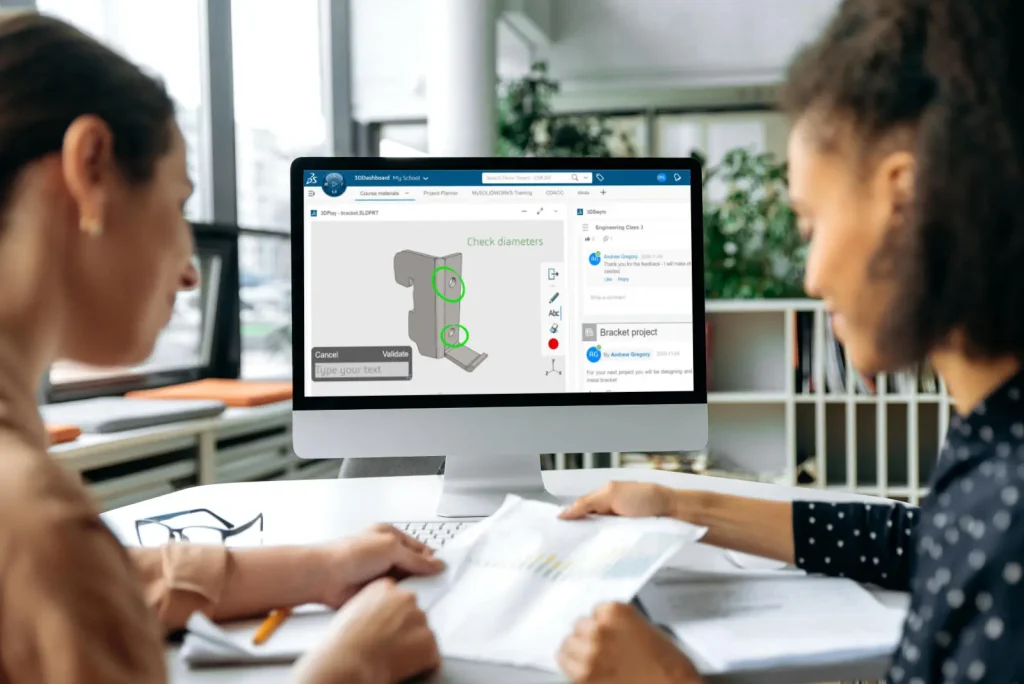
With online training you will experience an interactive learning environment where you can give feedback, gain access to the training files and get time to work on training exercises.
Advantages
- Online courses can maximise convenience and save on travel expenses.
- More effective than video based training, with recorded videos learners are often not as focused on the training and skip exercises.
On-Site Training
Receive training at your place of work. This style of flexible training is perfect for teams or individuals who are faced with a specific challenge and require personalized courses with on-the-job coaching.
Advantages
- Use our state-of-the-art mobile classroom at your facility.
- Bring your team up to a consistent level of knowledge by having them take the same training at the same time.
- Benefit from flexible scheduling options.
Upcoming Courses
If you do not see a suitable training course scheduled below please contact us. Our training team are happy to discuss your requirements and can schedule additional courses or arrange onsite or bespoke training to suit your needs.
Course
Date
- June 29, 2026 - July 2, 2026
Time
9:00 am - 5:00 pm BSTLocation
Virtual ClassroomCourse
Date
- August 10, 2026 - August 13, 2026
Time
9:00 am - 5:00 pm BSTLocation
Virtual ClassroomCourse
Date
- September 21, 2026 - September 24, 2026
Time
9:00 am - 5:00 pm BSTLocation
Virtual ClassroomCourse
Date
- November 2, 2026 - November 5, 2026
Time
9:00 am - 5:00 pm GMTLocation
Virtual ClassroomCourse
Date
- December 14, 2026 - December 17, 2026
Time
9:00 am - 5:00 pm GMTLocation
Virtual ClassroomMore Training Courses
CATIA V5 Mechanical and Surface Design Fundamentals
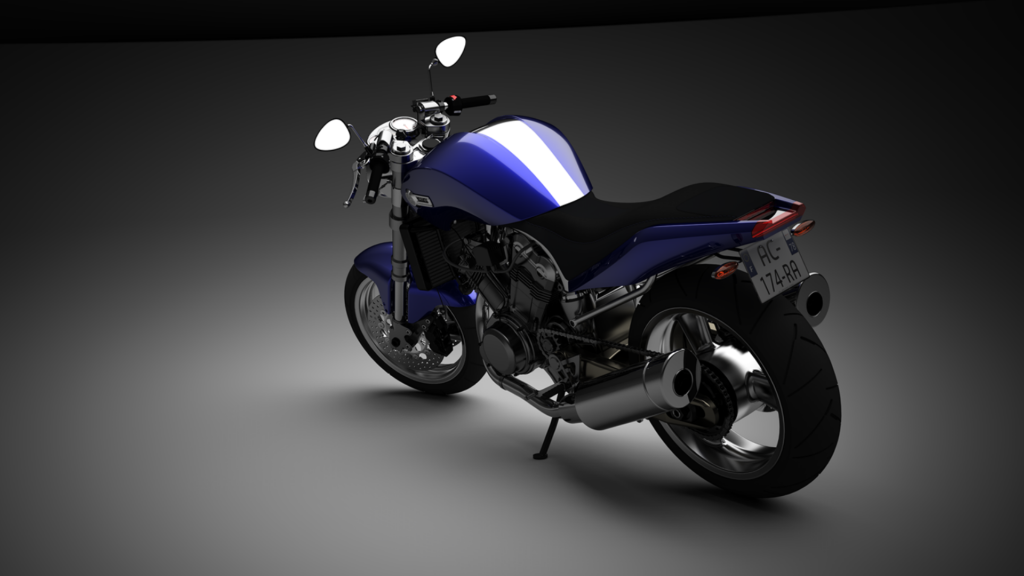
This CATIA V5 fundamentals course will enable students to operate CATIA V5 using best practices within the disciplines of Mechanical and Surface Design.

SIMULIA Abaqus/Explicit Advanced Topics
This course emphasizes practical skills and techniques that are needed for analyses with SIMULIA Abaqus/Explicit. Recommended for relatively new users and Abaqus/Standard users who want to learn Abaqus/Explicit.
Introduction to SIMULIA Abaqus
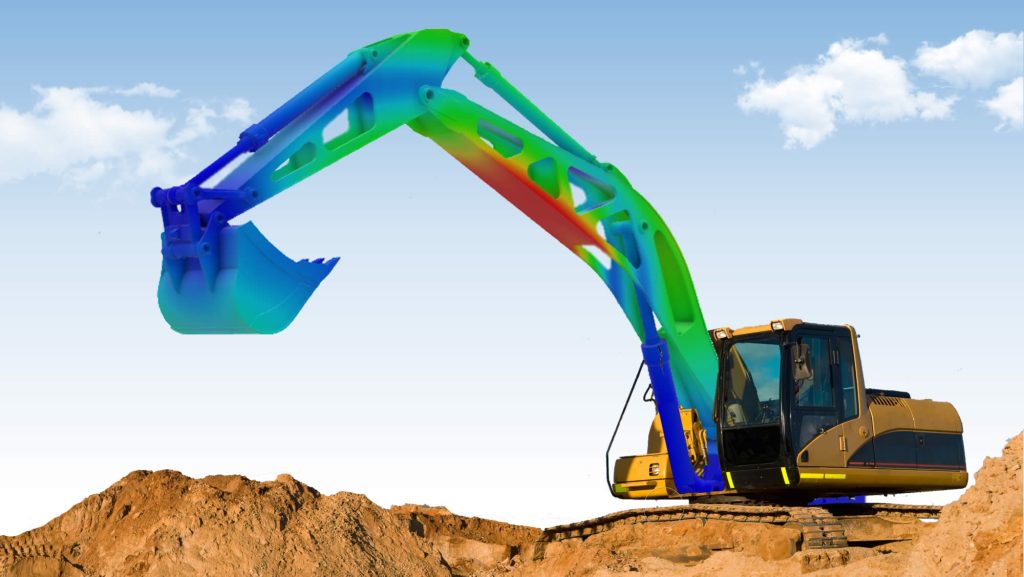
In this practical SIMULIA Abaqus training course you will learn how to solve linear and nonlinear problems, submit and monitor analysis jobs and view simulation results.