





What is the course
Course Overview
This course will explain the features of all CATIA V5 Digital Mock-up workbenches. It will help you to analyse and choose an appropriate workbench as per the requirement. You will learn to view and inspect a complex assembly in order to investigate the problem areas and highlight critical points.
This course is scheduled by arrangement and can be arranged for one-on-one training, group session, on-site or on-premise.
What you learn
Learning Objectives
- Use various features and functionalities of the Digital Mock-up workbenches
- Manage assembly components and explore their mock-up details
- Manipulate view points
- Measure elements
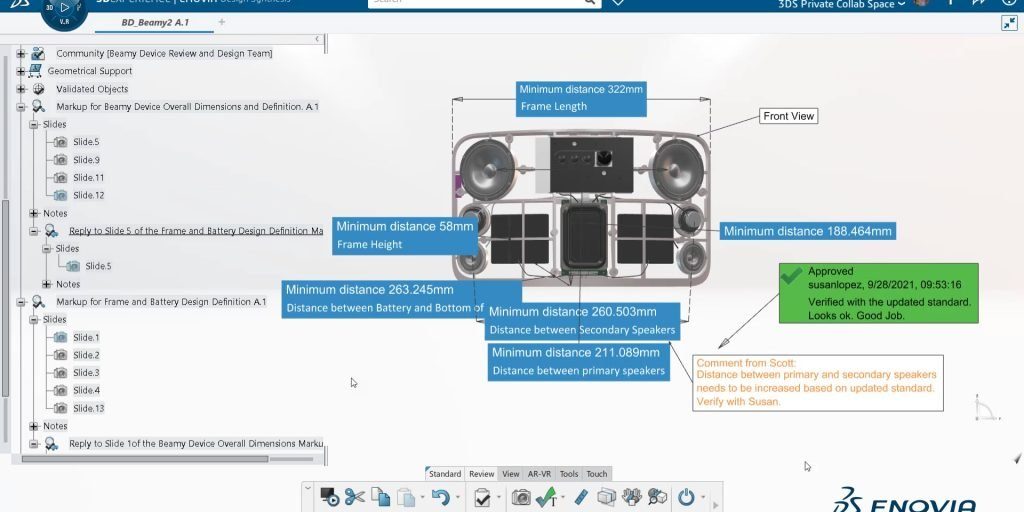
- Highlight critical areas using 2D and 3D annotations
- Link information to external files
What You'll Learn
Course Agenda
Lesson 1: Introduction to DMU Solutions
- In this lesson, you will be introduced to the various products of the CATIA Digital Mock-Up (DMU) solutions and their industrial applications for making collaborative decisions.
- You will learn about the user interface of the DMU workbenches, its terminology and the different products used to perform reviews, simulations and create presentations.
Lesson 2: Preparing the Session
- In this lesson, you will learn how to customise the work environment before using the DMU workbenches. Here, you will learn how to set the various options for managing cache and the product visualization.
Lesson 3: Editing Components
- In this lesson, you will learn how to organise components in a group and switch between the different visualisation modes.
- You will also learn how to define and modify the component properties.
Lesson 4: Navigating Through Components
- In this lesson, you will learn how to use the different review modes to examine 3D models.
- You will learn how to change the viewpoint and orient the 3D models as per your requirements.
Lesson 5: Managing Viewpoints and Visualisation
- In this lesson, you will learn how to create a custom viewpoint and use cameras to manage the viewpoints.
- You will also learn how to change the visualization effects to clip the geometry or to modify the ambient light properties.
Lesson 6: Basic Measuring
- In this Lesson, you will learn how to measure the distances between geometrical entities.
- You will also learn how to measure the mechanical properties like mass and inertia of an object.
Lesson 7: Annotating
- In this lesson, you will learn how to convey information and visual inputs using various types of 3D and 2D annotations.
- You will learn how to publish snapshots, simulations, text and hyperlinks in a shareable HTML report.
Training Methods
Choose from three different training methods available to you

Group / Classroom Training
Receive CATIA V5 Digital Mock-Up Basics training in a group in a traditional classroom environment. Courses can be taken in one of our training locations in the UK, Ireland, US or Canada using DS approved training content and methodologies.
Advantages
- Cost effective training method.
- Leave the office to concentrate on learning.
- Learn more through group questions and feedback.

Live Online Training
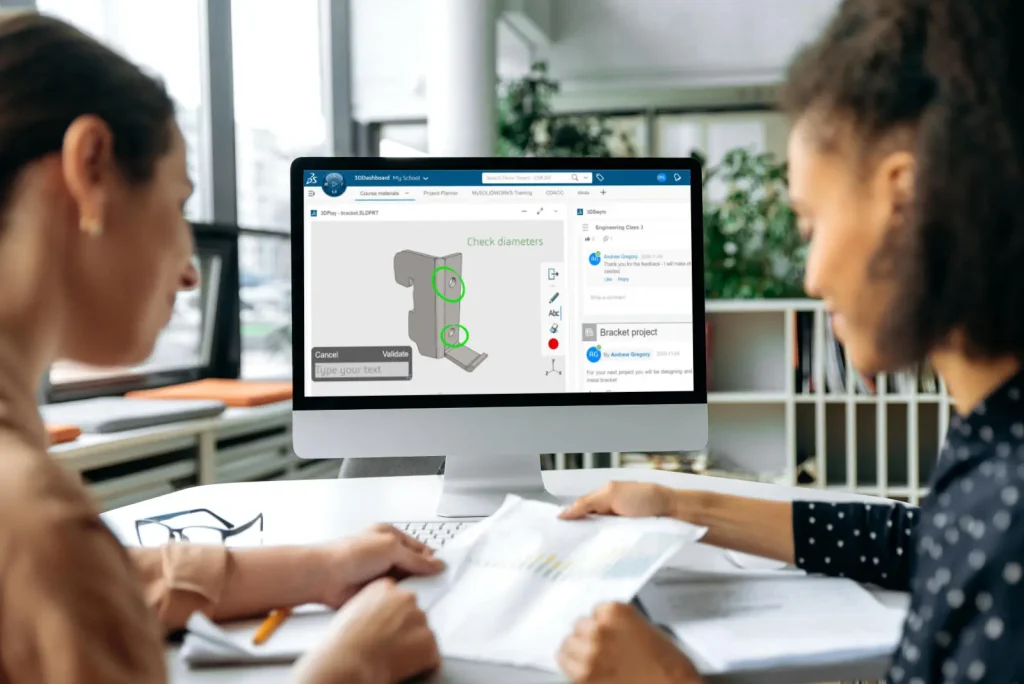
With online training you will experience an interactive learning environment where you can give feedback, gain access to the training files and get time to work on training exercises.
Advantages
- Online courses can maximise convenience and save on travel expenses.
- More effective than video based training, with recorded videos learners are often not as focused on the training and skip exercises.
On-Site Training
Receive training at your place of work. This style of flexible training is perfect for teams or individuals who are faced with a specific challenge and require personalized courses with on-the-job coaching.
Advantages
- Use our state-of-the-art mobile classroom at your facility.
- Bring your team up to a consistent level of knowledge by having them take the same training at the same time.
- Benefit from flexible scheduling options.
Upcoming Courses
If you do not see a suitable training course scheduled below please contact us. Our training team are happy to discuss your requirements and can schedule additional courses or arrange onsite or bespoke training to suit your needs.
There are no CATIA V5 Digital Mock-Up Basics courses currently scheduled.
More Training Courses
CATIA V5 Mechanical and Surface Design Fundamentals
This CATIA V5 fundamentals course will enable students to operate CATIA V5 using best practices within the disciplines of Mechanical and Surface Design.

SIMULIA Abaqus/Explicit Advanced Topics
This course emphasizes practical skills and techniques that are needed for analyses with SIMULIA Abaqus/Explicit. Recommended for relatively new users and Abaqus/Standard users who want to learn Abaqus/Explicit.
Introduction to SIMULIA Abaqus
In this practical SIMULIA Abaqus training course you will learn how to solve linear and nonlinear problems, submit and monitor analysis jobs and view simulation results.