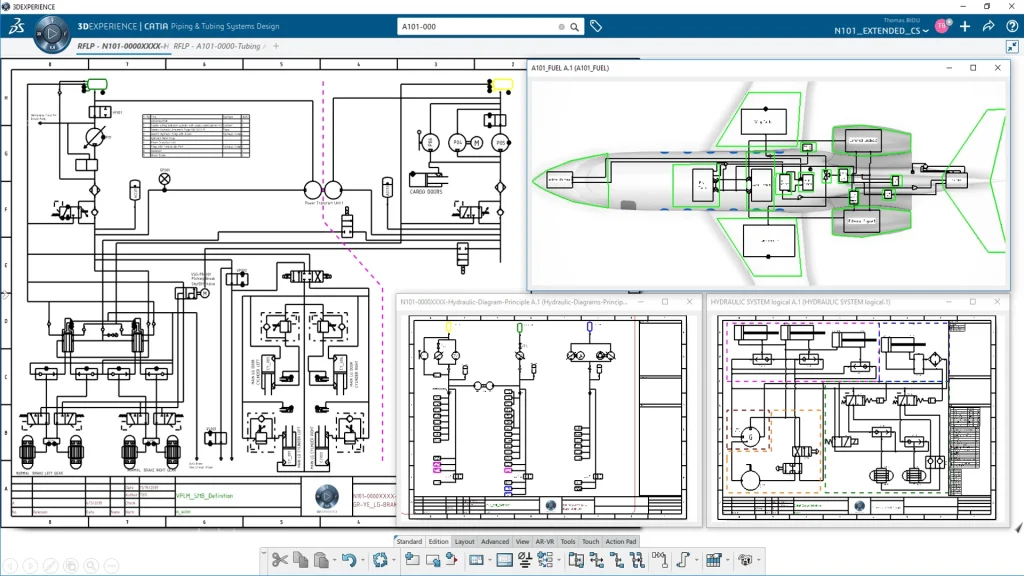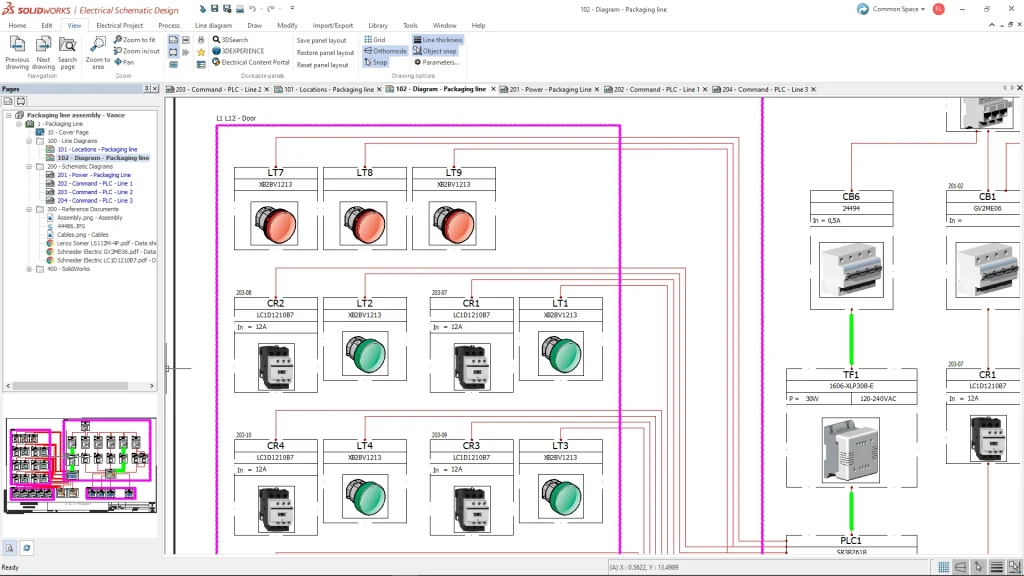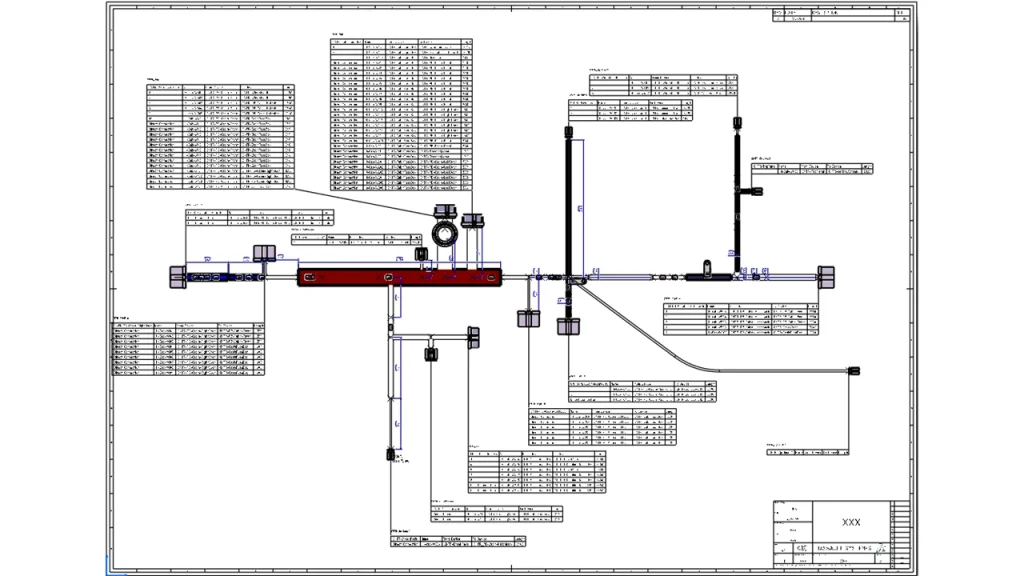












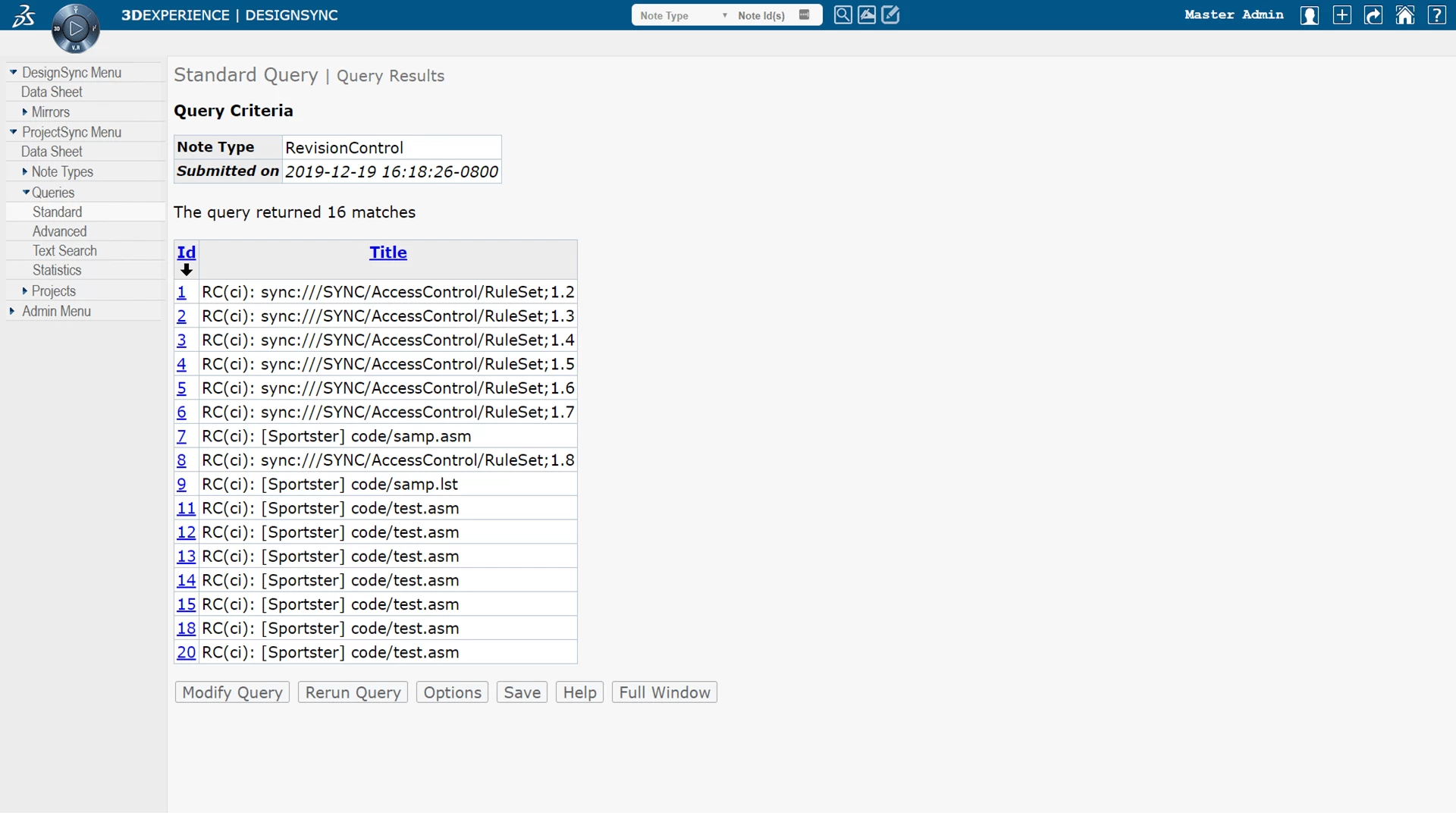
Issues and other project collaboration information tracked in the ENOVIA 3DEXPERIENCE Semiconductor ProjectSync User (SEPJH) Role can be directly connected to vaulted design data managed in Semiconductor Hardware Designer.
Team members can browse the design data repository and easily create and connect defects to the exact versions of the design objects affected. Design engineers are automatically notified by email of issues that they are responsible for solving. Team members can easily continue communication via email while the thread of discussion is captured and stored as part of the design record. New versions of design objects that correct the defect can also be connected to the defect capturing the entire genealogy of a given change.
Semiconductor ProjectSync User Benefits
Tight Integration Between Issue and Defect Tracking with Managed Design Data
Issue or defect records can be directly attached to managed design data, keeping a record of exactly which versions of design data files were originally affected, and what changes were made to resolve the issue or defect.
Understand the State of a Design at a Glance
Both the rate of change and the state of the design are displayed graphically so you have instant visibility into project status. Built-in queries show the “who, what, when and why” for each change in the design. These features add predictability and accountability into the design process.
Boost Team Productivity
A flexible event and trigger system facilitates communications and process flow for increased team productivity. When a piece of information is created or modified, an “event” occurs that can trigger predefined “actions.” Such actions ensure that engineers are working on the correct data and are reacting to the latest event.
Solve Problems and Capture Team Knowledge
Threaded discussions capture the dialog that solves tough design issues, so that this knowledge is retained. In addition, design notes can be attached and extended throughout the life of the project. These features allow you to have this knowledge available for search, analysis and incorporation into your best practices.
Utilize Your Best Practices
An administrator can readily tailor Semiconductor ProjectSync User through HTML templates or TCL, C or JavaScript extensions to implement best practices, which capture the progress of data on every block in the design, especially changes in lifecycle status. This rich project data is readily viewed and summarized for managers.
Semiconductor ProjectSync User Highlights
End User
- Add a New Note – A note type can be selected from a list of available types such as “Bug Report”, “HW_Defect”, and a new data record can be created.
- Attach Files to Notes – Files can be attached to notes. For example, one may wish to include a log file for a simulation which reveals a design error.
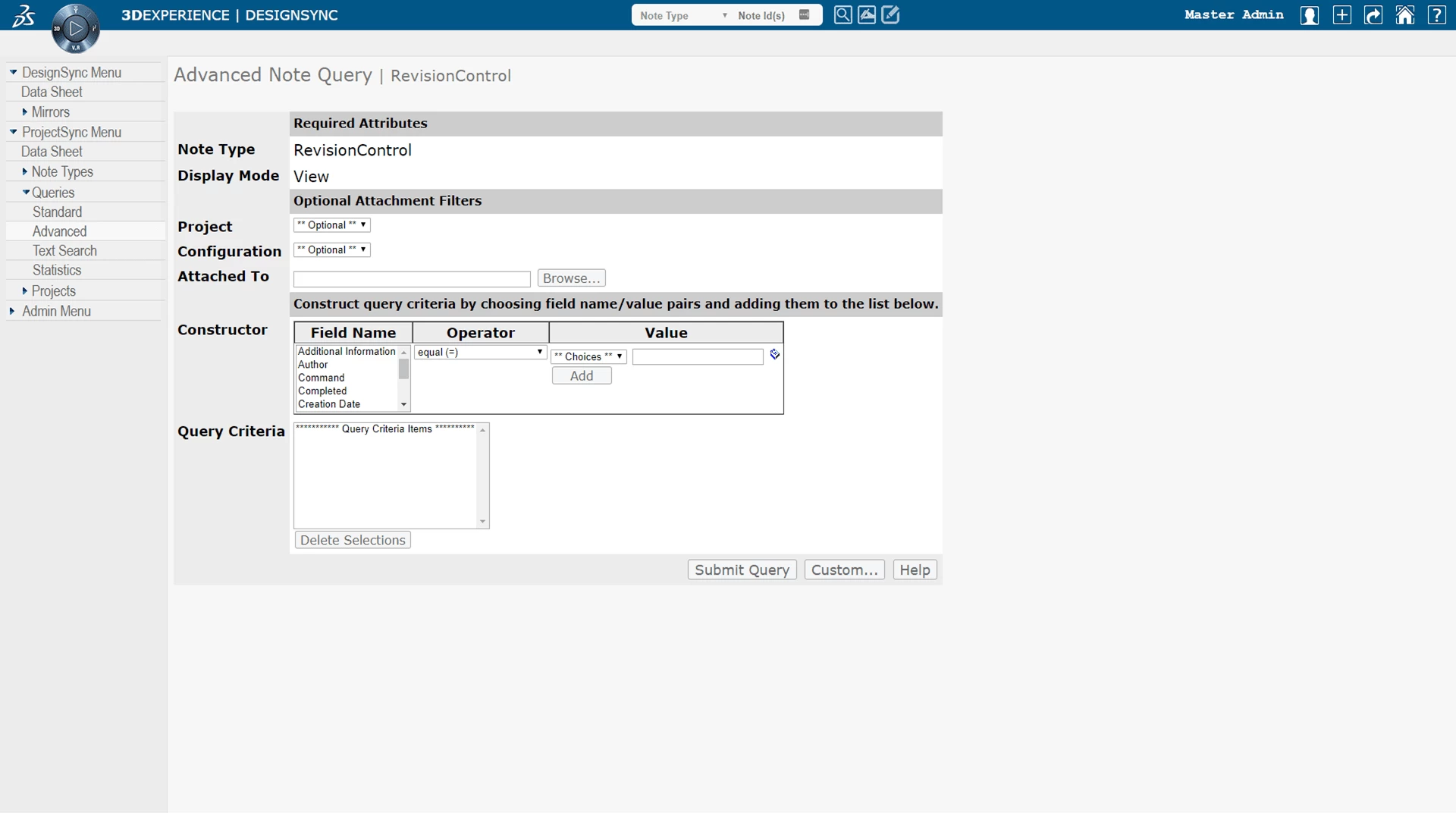
- Query Notes – Four query methods are provided which allows searching for notes that match the criteria specified.
- Subscribe for Email Notifications – You can select Email Subscriptions on the menu to subscribe for email notification when notes are created or updated.
- Navigate the Vault & View Datasheets – The vault in Semiconductor Hardware Designer can be graphically navigated, and datasheets for vaulted objects can be viewed.
Administration
- Intuitive Notes System Configuration – A note is the mechanism for entering data to track bug reports, change orders, and conduct web-based discussions. Each note is one instance of a note type, which is a template for the information contained in notes of that type. Four predefined, standard note types are included. You can choose to install any or all of these note types and use them as delivered. Or, because the type of information a given team or project would want to tack can be highly specific, you can customize existing note types, or create new note types, to fit your particular needs. It is easy to add text fields, pull-down lists, “”cc” lists, or configurable “state” fields using an intuitive “Note Type Manager”.
- Control Lifecycles – A state machine can be configured and added to a note type, providing a way to control the lifecycle of a note such as a defect or bug report. Email notifications can be automatically sent as transitions in the state of a note occur.
- Authentication – You can administer user profiles, or enable authentication using LDAP (Lightweight Directory Access Protocol).
- Access Controls – Access to notes data, or to browse the revision control repository, can be controlled using a robust Access Control System.
Categories
Frequently Asked Questions
FAQ'S
ENOVIA 3DEXERIENCE Advantage
Connect with other 3DEXERIENCE roles and take advantage of the virtual twin for the entire enterprise

Scalable Architecture
Natively built for the cloud and also available on premises, ENOVIA spans the full spectrum from very small clients to customers with thousands of users.
This ‘infinite’ scalability is driving exponential adoption across all engagement models, letting clients plan and sustain their growth and address their evolving business needs.

Cloud Collaboration
Cloud is driving the ability to scale, drastically reducing the distance and time between technology decision and value realisation, letting companies take continuous advantages of enhancements & scope extension every 8 weeks. Cloud adoption is now a reality for all sizes of clients.

Go beyond PLM
ENOVIA powered by the 3DEXPERIENCE platform goes beyond PLM, connecting people, ideas and data from across the value network into a single collaborative environment that transforms the way you do business.
Why Choose The 3DEXPERIENCE platform?
The 3D EXPERIENCE platform provides a Safe, Social, Connected, Informed and Structured environment for team leader project managers and other professionals who want to manage data on the cloud and collaborate without constraints.
Interested in Semiconductor ProjectSync User?
Call us on 01926 333777 or click button below to contact us online to get your questions answered today.