




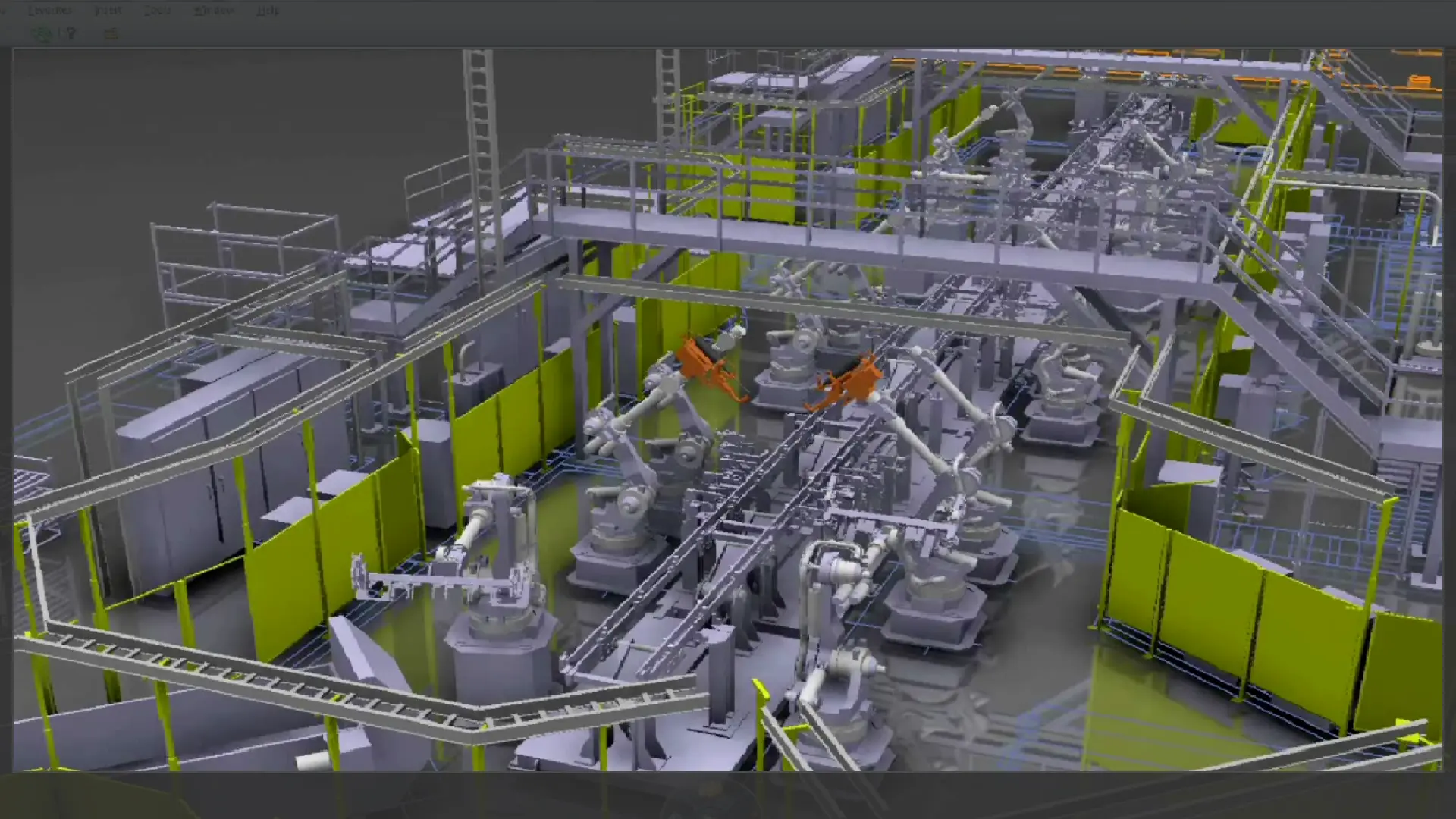
The DELMIA 3DEXPERIENCE Plant Layout Designer (PLA) Role gives manufacturing planners and facility planners advanced, efficient tools for 3D factory design and resource layout.
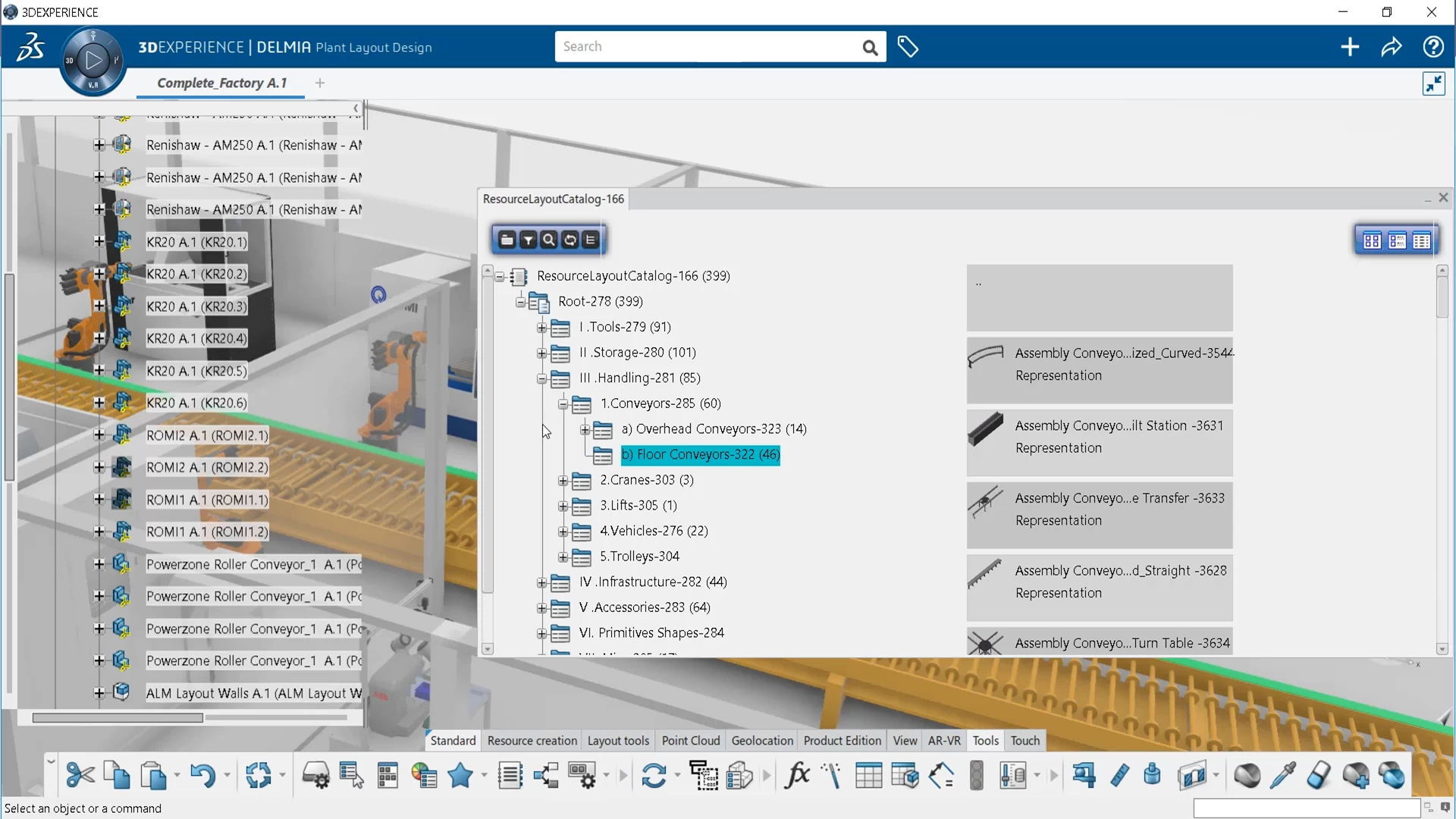
PLA includes a catalog of parametric resources such as conveyors, shelving, tables, and containers that can leverage existing 2D factory drawings and be snapped to the 2D drawings to quickly realize the 3D layout. Advanced positioning makes it very easy to move, snap, and align these resources.
PLA gives planners a realistic environment for defining and validating shop floor layouts, delivering them to the shop floor for construction, and sharing them with other stakeholders for enriching and validating process plans.
Plant Layout Designer Benefits
Fast and efficient layout definition
PLA’s catalog of parametric equipment eases the work of plant designers. Most of the widely used plant equipment is available; no need to design it from scratch for every new layout. Simplified layout tools let users position, align, and snap layout objects quickly. PLA tools are easy to use and intuitive; non-CAD experts can efficiently define Plant Layout Designs.
Collaborative plant design and early discovery of layout problems
Avoid costly layout redesigns by enabling users to collaborate and share 3D layouts throughout the enterprise for review and feedback, avoiding costly rework.
Access to layout data throughout the extended enterprise
Create layout data that can easily be shared across the enterprise as 3DXML or 2D drawings or in other formats for review, feedback, and collaborating with suppliers. The data can be used seamlessly for resource planning and 3D validation studies.
Leveraging of intellectual property
Create and validate best practices, saving them to Catalogs for reuse by other stakeholders and to build corporate standards.
Plant Layout Designer Highlights
Import and extract 2D drawings
When 2D drawings are available, PLA provides a way to import them into the 3DEXPERIENCE® platform. They are placed on the layout floor so that resources can be snapped into defined positions. Users can also generate dimensioned, annotated 2D drawings of the 3D layout for use on the factory floor.
Import Point Cloud data (on premise only)
When using a 3D scanner to scan the actual factory equipment, a point cloud is created. PLA has the capability to import point clouds onto the virtual plant layout. This provides an exact replica of the existing facility which can be further enhanced by importing 3D equipment onto the point cloud from an existing resource Catalog. Users can move, manipulate, and measure the point cloud inside of the 3DEXPERIENCE platform. A Clean point Cloud function is also provided to eliminate any “noise” contained in the point cloud, while a Mesh function can be used to refine the point cloud into surface data. When importing larger amounts of data, users can import point clouds in the E57 file format.
Position and manipulate resource positions in 3D
3D positioning tools let any user position a resource easily and accurately in the immersive 3D environment. A resource can be snapped instantly to a location, aligned with other geometry, measured and moved a specified distance, and checked for interferences. Smart embedded locators intelligently snap objects together within the layout.
Define resource hierarchies
Pre-defined resource types such as conveyors, fixtures, and tool devices can be used to categorize and organize resources. Users can create an organization tree that represents a factory, line, workstation, or other resource type, locate the resources in the 3DEXPERIENCE® Catalog, and copy them into the organizational tree. Using patterns makes it possible to quickly create a layout with properly aligned resources.
Choose ready-to-use parametric and non-parametric resources from a catalog
Includes catalogs of parametric resources—conveyors, part bins, tables, chairs, and shelves, to name a few. Non-parametric resources including hand tools, drilling stations, hangers and robots are also included. Resources can be selected from the catalog and copied into the 3D factory layout for positioning. All newly created resource instances can be edited and their parameters changed with a specialized intuitive dialog.
Frequently Asked Questions
FAQ'S
Collaborative Operations
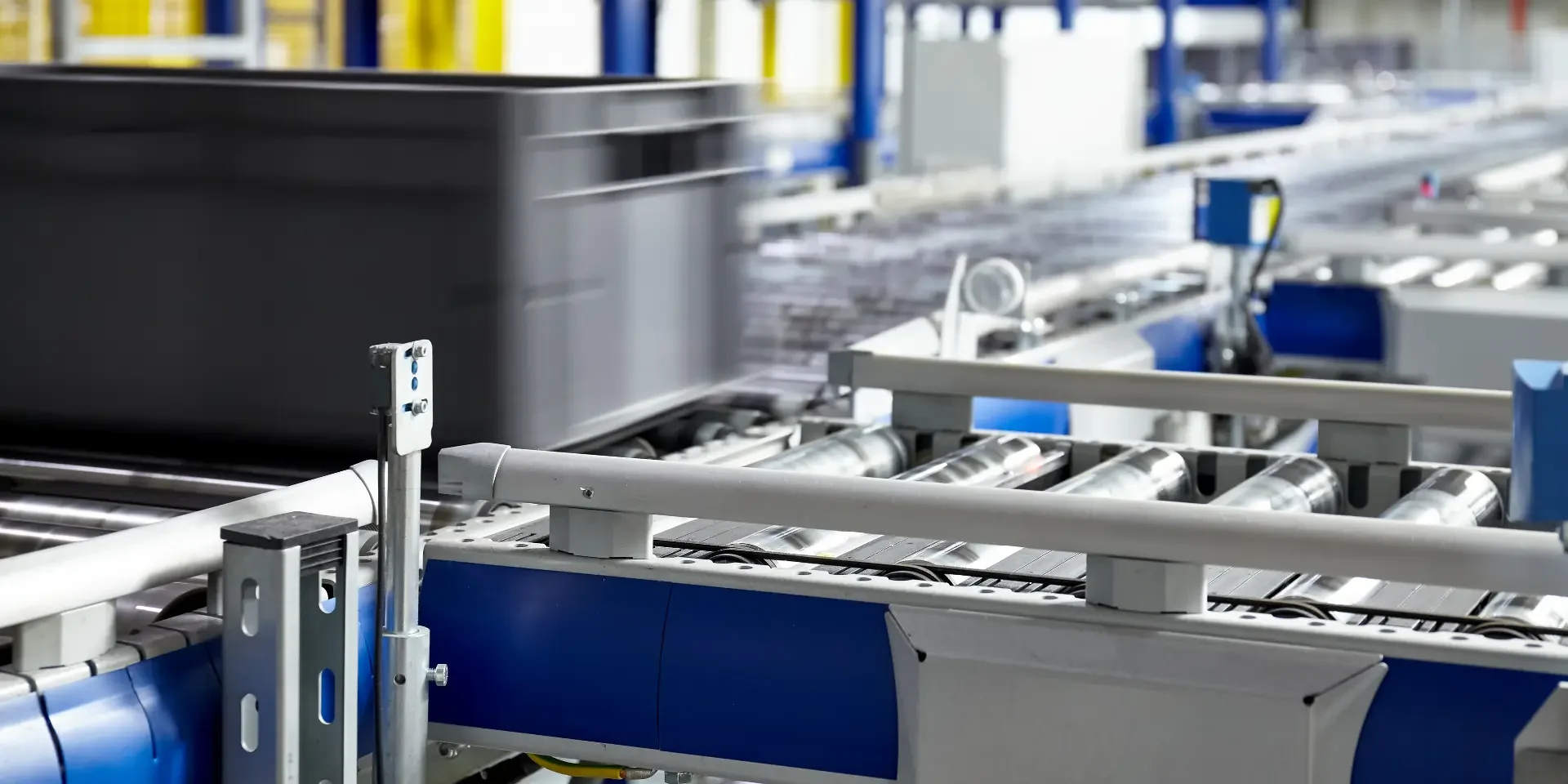
DELMIA 3DEXPERIENCE Operations vision that enables a common understanding for all stakeholders.
This solution provides a holistic, model-based, and data-driven digital backbone that breaks down the silos between diverse functional users from engineering, operations, and supply chain.
Combine Virtual and Real worlds
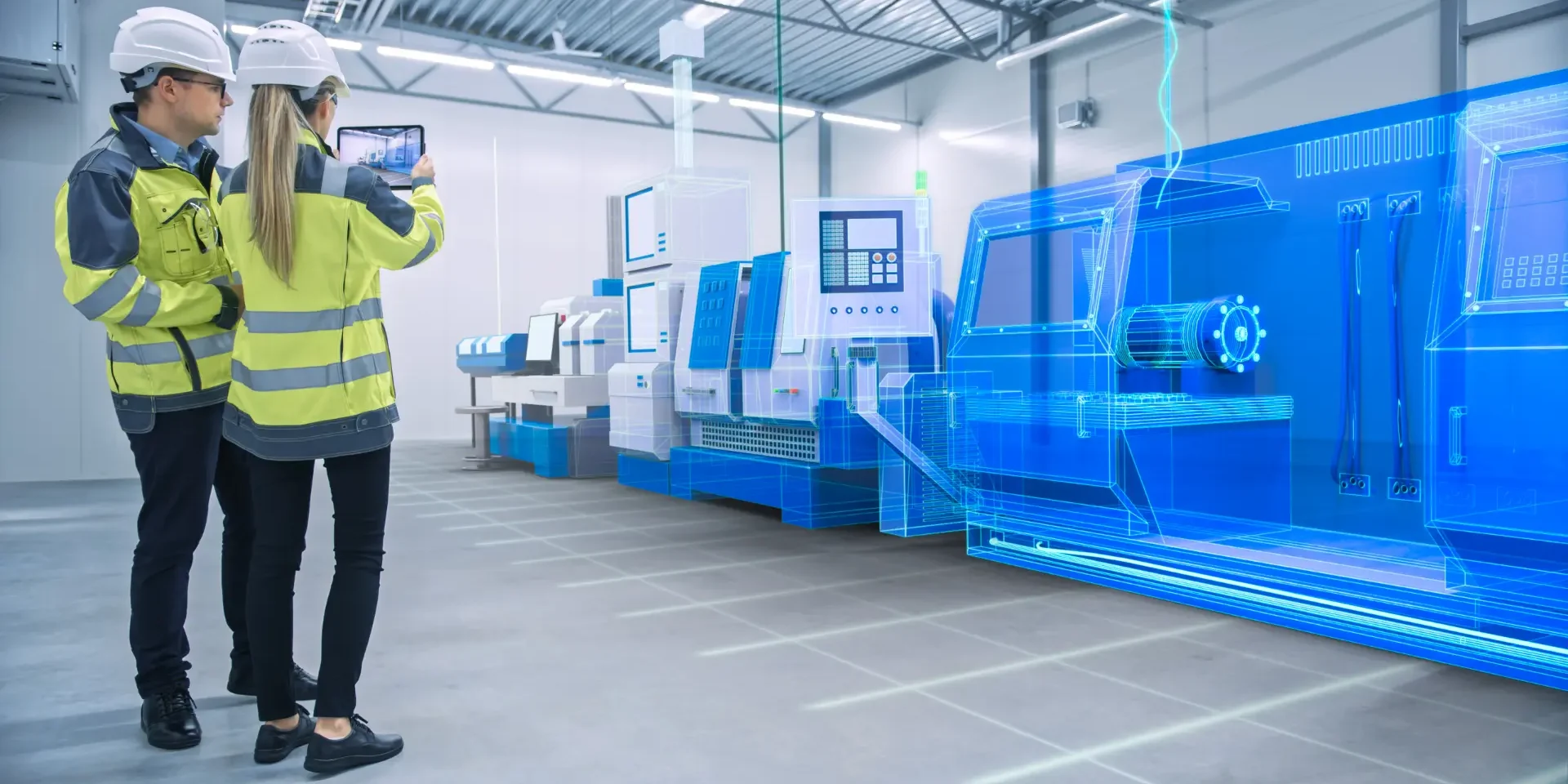
Virtual Twin Experience on the cloud is an executable virtual model of a physical system which brings in learning and experiences taken from the real world processes to update the digital twin model.
Achieving this closed-loop capability is the full realisation of benefits to be gained from the convergence of the Virtual and Real Worlds
Manufacturing Line Design
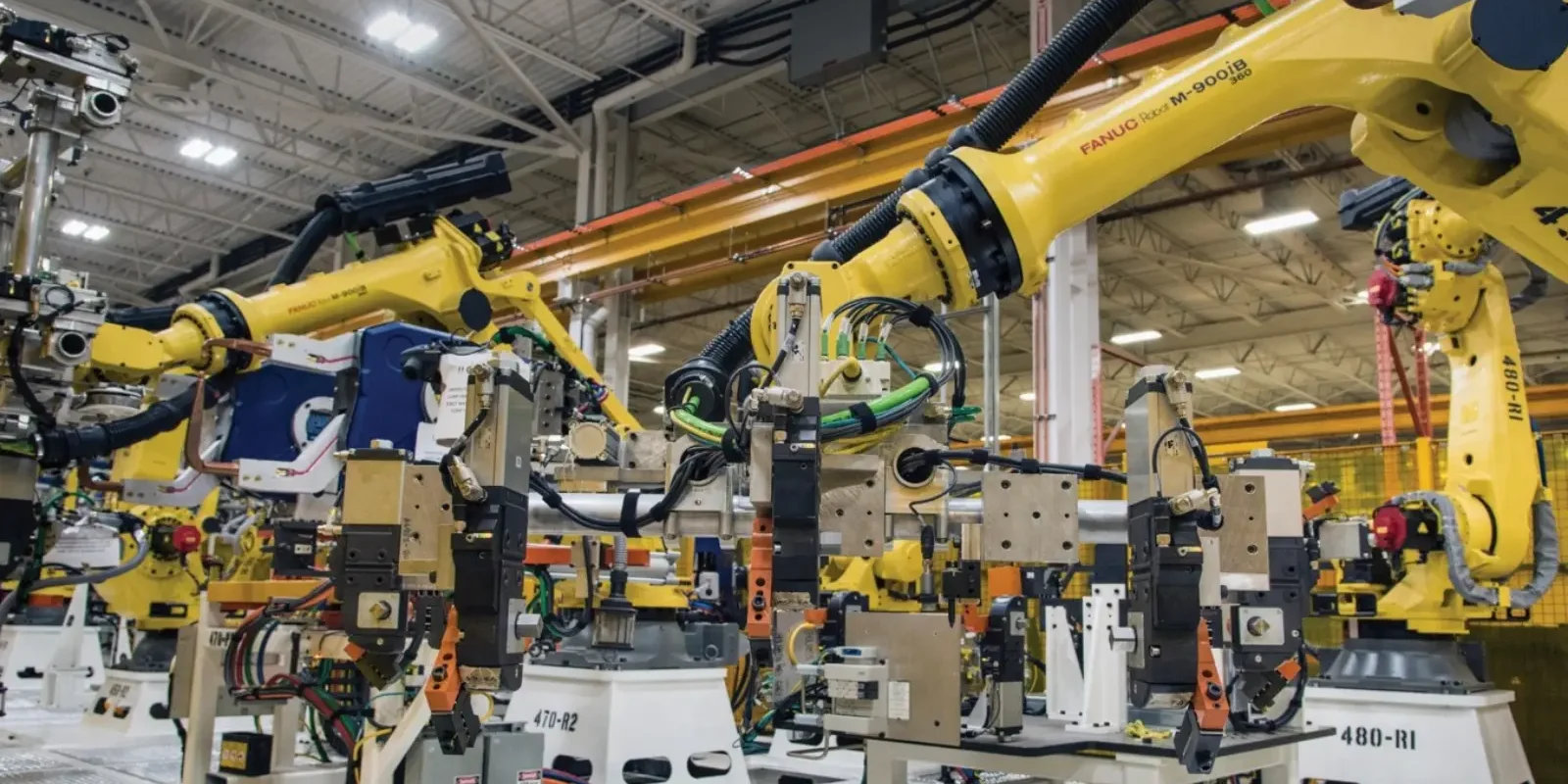
Manufacturers of any size can adopt new processes and systems that reduce design incompatibilities between sales and engineering.
Using DELMIA 3D technology in a single platform, OEM line manufacturers can demonstrate the final product design and performance in an immersive experience that raises the customer’s level of satisfaction.
Why Choose The 3DEXPERIENCE platform?
The 3D EXPERIENCE platform provides a Safe, Social, Connected, Informed and Structured environment for team leader project managers and other professionals who want to manage data on the cloud and collaborate without constraints.
Interested in Plant Layout Designer?
Call us on 01926 333777 or click button below to contact us online to get your questions answered today.