






The DELMIA 3DEXPERIENCE Manufacturing Items Engineer (MFN) Role allows the Manufacturing Bill of Material or MBOM (also known as the Manufacturing Items Structure) to be defined, managed, and updated directly from the 3D design data.
Manufacturing Items Engineer is a web-based solution that uses the 3D Product Structure as input for authoring the Manufacturing Items Structure, allowing it to be leveraged across Manufacturing and Production. When creating the MBOM, users can choose to display the Engineering Structure, the Manufacturing Structure, or both.
Users can easily create a structure of the new MBOM. They can simply drag and drop the design data to begin from scratch, create it from the existing product structure, or from a template they have previously created. Users can review the status of items as they create the new structure and as it is updated from the Product Structure.

Manufacturing Items Engineer Benefits
Manage the Manufacturing Items Structure
As updates occur in the Product Structure, MFN allows the user to view the status of the items assigned in the MBOM. During creation or update of the MBOM, users can easily reconcile the objects. Since users have a view of objects that have been used in the MBOM and their status (new, removed, etc.), they gain a clearer understanding of how engineering changes affect the MBOM.
Leverage the MBOM across DELMIA applications
When the MBOM structure has been authored using MFN, it can then be leveraged across the DELMIA applications in Process Planning, Robotics, Ergonomics, and Fabrication. The seamless integration between the DELMIA applications promotes digital continuity across the enterprise.
Simple to use interface
This light and easy authoring tool is easy to use and deploy, providing easy access for creating the Manufactured Item structure (MBOM). The widget can be used in a customized dashboard in combination of other widgets to fit the user’s needs, like 3D Play or Change Management for example. Drag and drops between widgets provides easy and efficient user interaction.

Manufacturing Items Engineer Highlights
Easy creation of the Manufacturing Items Structure
Manufacturing Items Engineer allows users to create the MBOM from scratch, or create it from the existing product structure, or from a template. The user defined templates save time and reduce re-work by allowing the user to create and then apply the templates to new products or variants. Users can also create a custom Manufacturing Items Structure based on their own business rules; for example, they can consume only specific items from the Product Structure based on attribute values. Users can choose to display the Engineering Product Structure, the Manufacturing Items Structure, or both. While authoring, the 3D widget helps users gain a better understanding by providing a 3D view of the Product data.
Quick and efficient updates of the MBOM
When updates are made to the Engineering Product Structure, tools in MFN along with common change and configuration tools on the 3DEXPERIENCE platform, allow the user to easily manage and reconcile the updates in the MBOM. Manufacturing Items Engineer makes it easy for users to easily understand how engineering changes impact the Manufacturing Items Structure at any stage of the engineering process.
Define alternate parts or assemblies
When parts and assemblies are defined, there may be different design configurations or suppliers for the parts. Users of Manufacturing Items Engineer can create alternate parts and assemblies for production planning. They can also manage manufacturing alternatives, plant responsibilities and make/buy decisions for Parts and Assemblies.
Export MBOM
Once the user has completed the Manufacturing BOM structure, it can be exported in CSV format. The output can then be used for downstream processes, such as procurement by the ERP system.
Frequently Asked Questions
FAQ'S
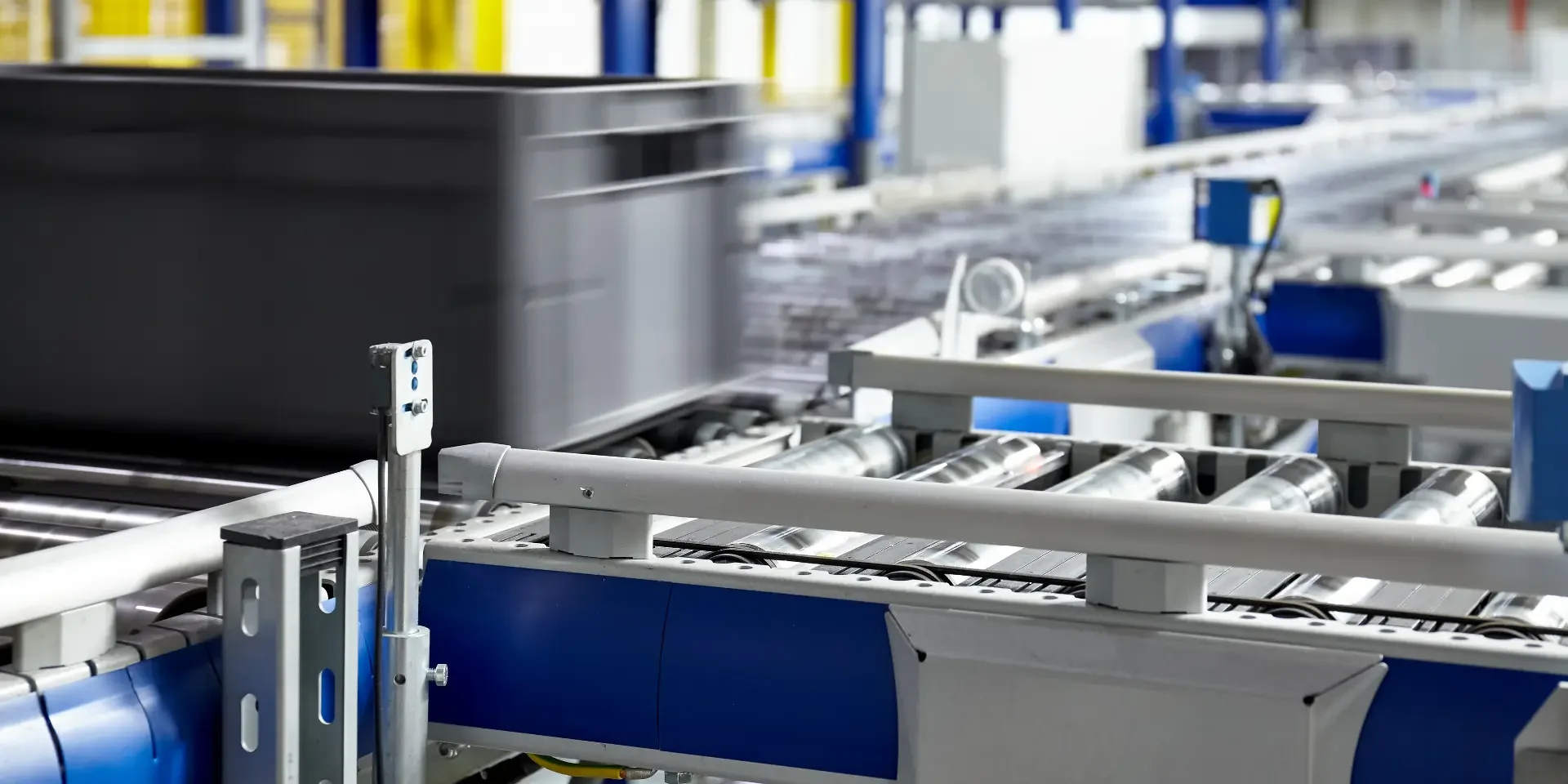
Collaborative Operations
DELMIA 3DEXPERIENCE Operations vision that enables a common understanding for all stakeholders.
This solution provides a holistic, model-based, and data-driven digital backbone that breaks down the silos between diverse functional users from engineering, operations, and supply chain.
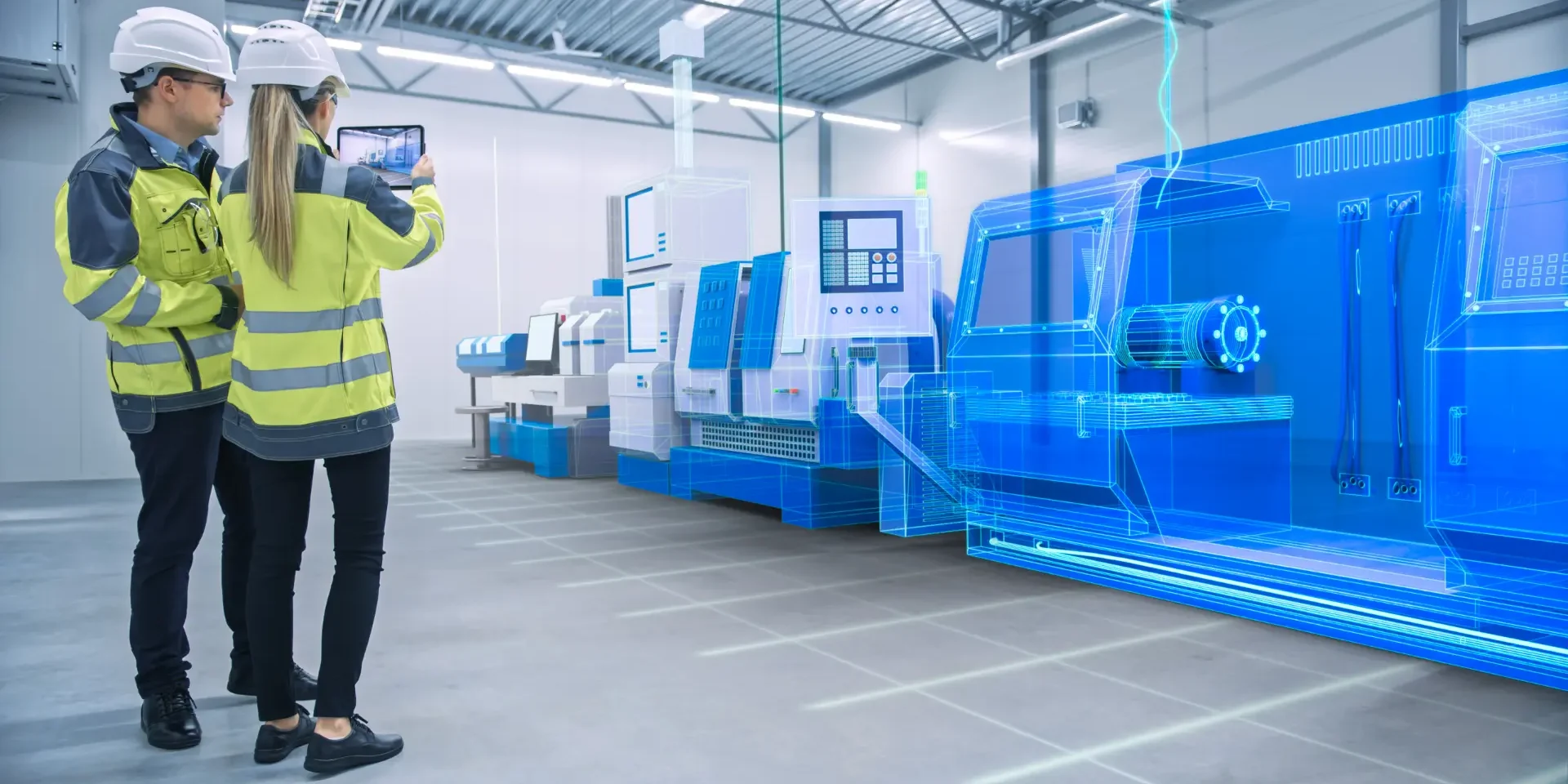
Combine Virtual and Real worlds
Virtual Twin Experience on the cloud is an executable virtual model of a physical system which brings in learning and experiences taken from the real world processes to update the digital twin model.
Achieving this closed-loop capability is the full realisation of benefits to be gained from the convergence of the Virtual and Real Worlds
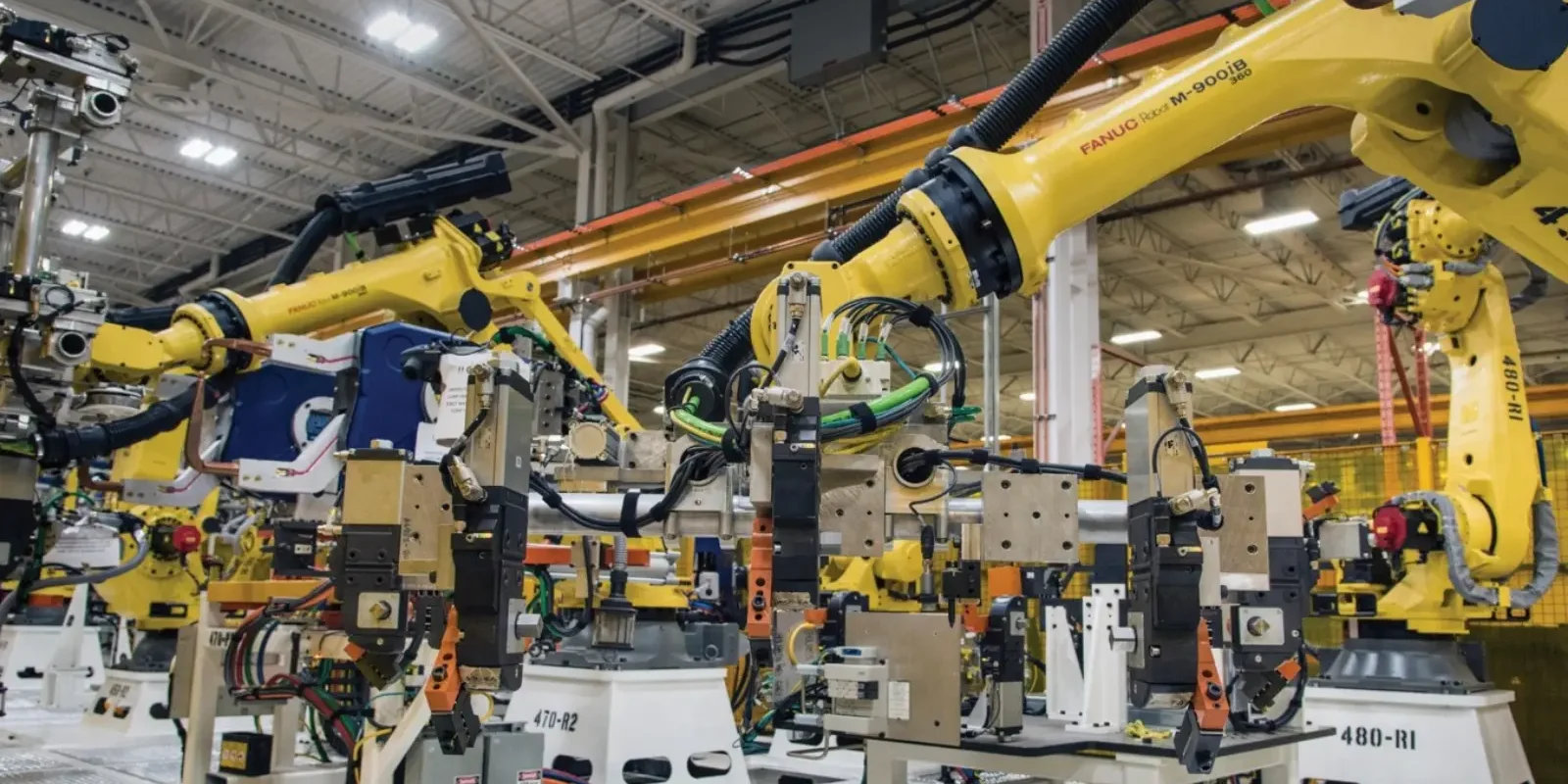
Manufacturing Line Design
Manufacturers of any size can adopt new processes and systems that reduce design incompatibilities between sales and engineering.
Using DELMIA 3D technology in a single platform, OEM line manufacturers can demonstrate the final product design and performance in an immersive experience that raises the customer’s level of satisfaction.
Why Choose The 3DEXPERIENCE platform?
The 3D EXPERIENCE platform provides a Safe, Social, Connected, Informed and Structured environment for team leader project managers and other professionals who want to manage data on the cloud and collaborate without constraints.
Interested in Manufacturing Items Engineer?
Call us on 01926 333777 or click button below to contact us online to get your questions answered today.